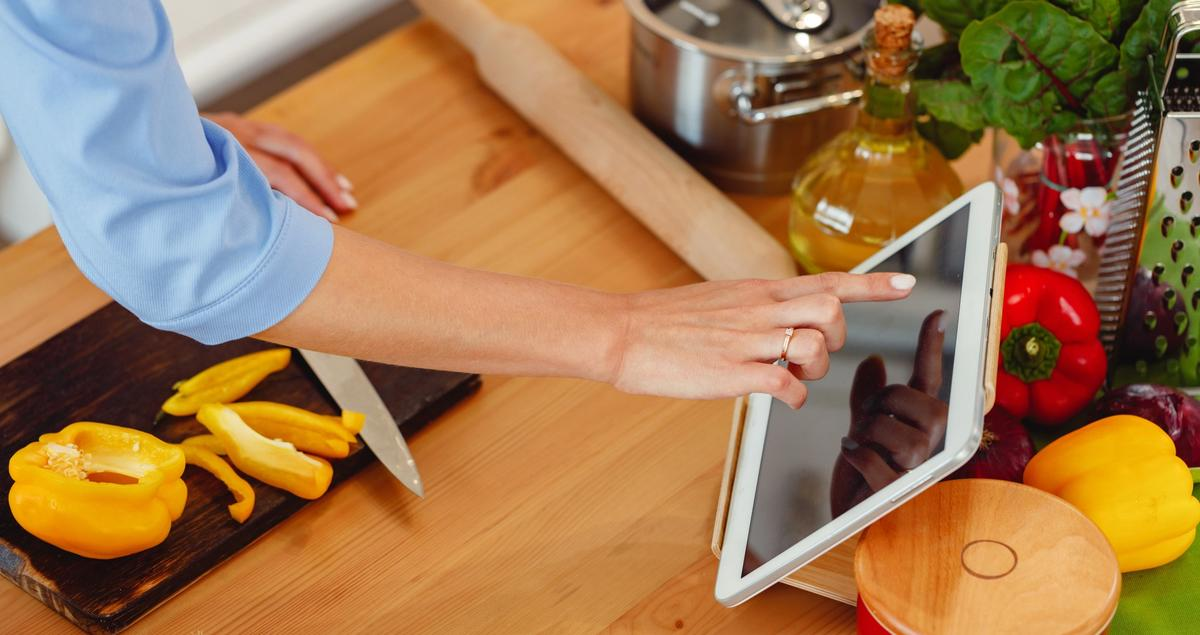
For home cooks, creativity in the kitchen often collides with real-world limits — time, budget, and organization. The good news? You don’t need expensive gadgets or professional tools to elevate your culinary game. Affordable software solutions can simplify meal planning, shopping, recipe management, and even kitchen inspiration. From intuitive inventory apps to smart timers and digital cookbooks, these low-cost tools help you cook smarter, waste less, and enjoy the process more. Let’s explore the best software that turns every home kitchen into a mini command center — without draining your wallet.
1. Mealime – Simplify Meal Planning and Save Time
Mealime has become a go-to for home cooks who want healthy, customizable meal plans without hours of prep.
Why it’s great:
- Creates personalized meal plans based on dietary preferences (vegan, keto, gluten-free, etc.)
- Generates smart shopping lists synced with grocery stores
- Offers step-by-step recipe instructions optimized for phone or tablet view
- Free basic plan; premium plan
Unique Tip: Try batching your meals for three days using Mealime’s “Quick Prep” recipes — they’re designed to use similar ingredients, reducing waste and costs.
2. Paprika Recipe Manager – The Ultimate Digital Cookbook
Paprika is the gold standard for managing recipes digitally. It allows you to save, organize, and scale recipes from any website.
Highlights:
- Built-in browser for clipping recipes from the web
- Syncs seamlessly across devices (phone, tablet, desktop)
- Built-in meal planner and grocery list generator
- One-time cost
Unique Tip: Use Paprika’s “Pantry” feature to track ingredients you already own — it automatically suggests recipes based on what’s available, helping you avoid food waste.
3. Yummly – Personalized Cooking Assistant
Yummly’s smart recipe engine learns your tastes and cooking habits to curate recipes you’ll actually use.
Why home cooks love it:
- AI-powered personalization suggests meals based on your flavor profile
- Step-by-step guided videos with adjustable serving sizes
- Integrates with smart appliances (like Whirlpool ovens) for precision cooking
- Free version available; premium features for a low fee
Unique Tip: Enable the “ingredient scan” feature — you can photograph what’s in your fridge, and Yummly recommends recipes to match.
4. AnyList – Grocery Lists That Keep You Organized
If you’ve ever arrived home missing that one key ingredient, AnyList solves that.
Standout features:
- Shared grocery lists (perfect for couples or roommates)
- Smart categorization by grocery aisle
- Stores your favorite recipes and automatically adds ingredients to lists
- Free basic version; premium version for a low fee
Unique Tip: Connect AnyList with Siri or Alexa — you can add ingredients hands-free while you cook or brainstorm meals.
5. Cookpad – Cook Together, Learn Together
Cookpad isn’t just a recipe app — it’s a global community for home cooks.
Features that shine:
- Share your recipes and photos with other home cooks
- Discover creative, affordable dishes from around the world
- Encourage “cook once, share many” inspiration
- Free to use with optional premium version for advanced features
Unique Tip: Join seasonal challenges — like “5 Dinners Under $10” — to expand your repertoire and gain inspiration from real home cooks, not celebrity chefs.
6. Kitchen Stories – Cooking Tutorials for Visual Learners
For those who learn best by watching, Kitchen Stories offers elegant, step-by-step video recipes.
Why it’s worth your attention:
- Award-winning app with hundreds of professional-quality tutorials
- Interactive shopping lists and ingredient scaling
- Option to upload your own recipes with photos
- Entirely free with optional in-app extras
Unique Tip: Use the “Cook Mode” to keep your screen awake — no more sticky fingers on your phone while checking the next step.
🧑🍳 FAQ: Creative Tools for Designing and Printing Recipe Cards
As digital tools take over the kitchen, many home cooks still love the charm of recipe cards — tactile, personal, and perfect for gifting or organizing family recipes. Below are common questions about designing and printing custom cards for your home kitchen or culinary business.
1. What software can I use to easily design my own recipe cards?
Several platforms offer free or affordable tools for creating recipe cards. Adobe Express, for instance, provides intuitive templates you can customize with colors, fonts, and photos. It’s a great starting point for beginners who want professional-looking cards without design experience. You can even print a card template directly from the site to make tangible recipe collections or gifts.
2. How can I make my recipe cards stand out visually?
Start with consistency: choose two main colors that match your kitchen or brand. Use easy-to-read fonts, add icons for ingredients, and include a photo or illustration for visual appeal. Keep spacing generous so the card is easy to follow while cooking. Apps like Visme and Crello (now called VistaCreate) also offer beautiful pre-set design elements.
3. What’s the best paper or format for printing home recipe cards?
Opt for matte cardstock to prevent glare and smudges. Standard sizes fit most recipe boxes. Many print shops and home printers support borderless printing for clean edges. Save your file in PDF format for the best color consistency before printing.
4. Can I create matching recipe cards for events or gifts?
Yes! Designing sets of recipe cards for holidays or bridal showers is a thoughtful, affordable idea. Use the same color palette and layout for a cohesive set. Tools like Adobe Express or VistaPrint make it easy to design, download, and print in bulk for gifts or small businesses.
5. Are there any digital alternatives to paper recipe cards?
Absolutely. Many home cooks now prefer hybrid systems. You can use apps like Paprika or Evernote to digitize your recipe cards, storing images and text together. If you enjoy aesthetics, you can design digital “cards” using Adobe Express and save them as shareable PDFs or tablet-friendly formats for easy kitchen access.
Affordable software has transformed the way home cooks plan, prepare, and preserve their culinary creations. Whether you’re organizing your grocery list, crafting recipe cards, or automating meal prep, these tools make cooking simpler and more rewarding. The beauty lies in how they merge creativity with practicality — helping every cook, regardless of skill or budget, find joy in the kitchen. The ultimate goal? To empower home cooks to spend less time managing chaos and more time savoring the art of food — one smart tool, one inspired dish, and one delicious day at a time.